UI Buttons
Controls the camera with on-screen Button clicks and presses. Backend-independent: it works with either the Legacy Input Components or the New Input System Component.
Wiring a UI Button
- Create a Unity
Buttonin your canvas as you would for any other UI. - Add a
ButtonEventTriggercomponent to that Button. (Add Component → Goehler Studios → Orbital Cam → Input → UI Button Event Trigger). It detects press, release, and hover-exit events, whichUIButtonsInputAdapterlistens to. - On the
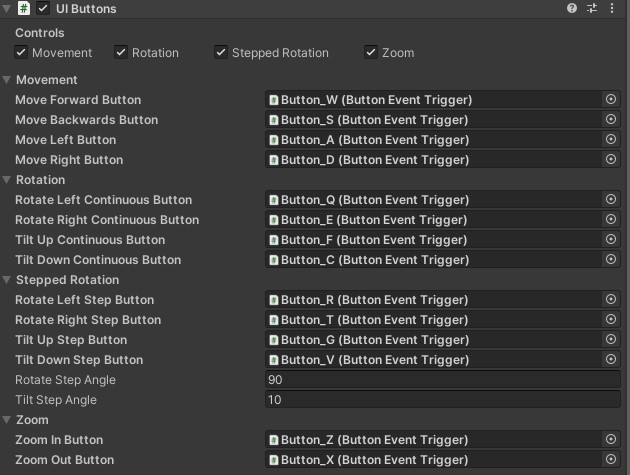
UIButtonsInputAdaptercomponent, drag the Button (or rather, itsButtonEventTrigger) into the slot for the action it should drive, such asMove Forward Button,Rotate Left Continuous Button,Zoom In Button, etc.
The adapter has slots for Movement (4), Continuous Rotate/Tilt (4), Stepped Rotate/Tilt (4), and Zoom (2). These controls can be toggle on/off pr. category. Rotate Step Angle and Tilt Step Angle are controlled separately from the keyboard's settings.