Life Simulator
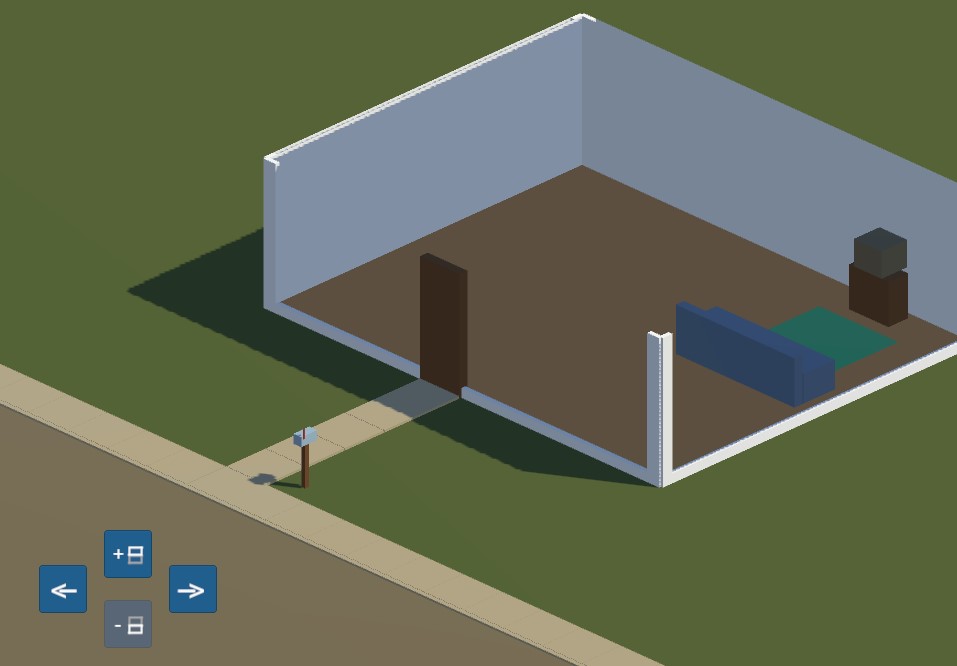
This scene uses an orthographic camera, and rotation is done in 90-degree steps, always keeping the camera tilted at 45 degrees.
Example scene uses the Legacy Input Components.
In this scene there's another level to the house. Clicking the Change Level buttons will toggle the visibility of this extra level, and send a command to the Public API of the OrbitalCam, telling it to move the target upwards 3 units (i.e. raise the y-axis of the origin).
Note
Raising the y-axis of the origin will only work if Follow Terrain Height is turned off.
Controls
Movement is controlled with mouse or keyboard.
Rotation is controlled with keyboard or UI buttons.
Movement
Move the camera with Right Mouse Button or W A S D.
Rotation
Rotate the camera in steps with Q and E, or with the UI buttons in the lower-left corner.
Zoom
Zoom the camera with Mouse Scroll Wheel or Z and X on the keyboard.